
The 5 Productivity Apps and Tech Tools Every Mompreneur Needs
Post originally published January 2025 and has since been updated for content and clarity.
You probably have purchased one or two planners over the years with good intentions only to find them collecting dust a few weeks later. With the rapid rate of technology today, there are many tech tools that can help you be more organized, improve productivity, and all but replace your planner notebook.
Below I have included 5 of my favorite productivity apps and tech tools that have completely changed how I operate my life as a mom and an online business owner.
Quick answer: The 5 productivity apps and tech tools I rely on most are Google Drive, Headspace, Notion, Showit, and Canva. Together they cover scheduling, mindset, project management, my website, and design, and they’ve completely changed how I run my life as a mom and an online business owner.
Personally I love trying new tech tools, software, and gadgets. If you’re the type who runs in the other direction when you hear the word technology, let me help. One of these tech tools will make you more productive in some area of your life.
Jump to a Tool
- Google Drive — organizing docs and scheduling
- Headspace — meditation work
- Notion — project and task management
- Showit — drag-and-drop website builder
- Canva — user-friendly graphic design tool
Tool 1: Google Drive
Best for:
Someone who wants to use and manage easy document organization.
Why I love it
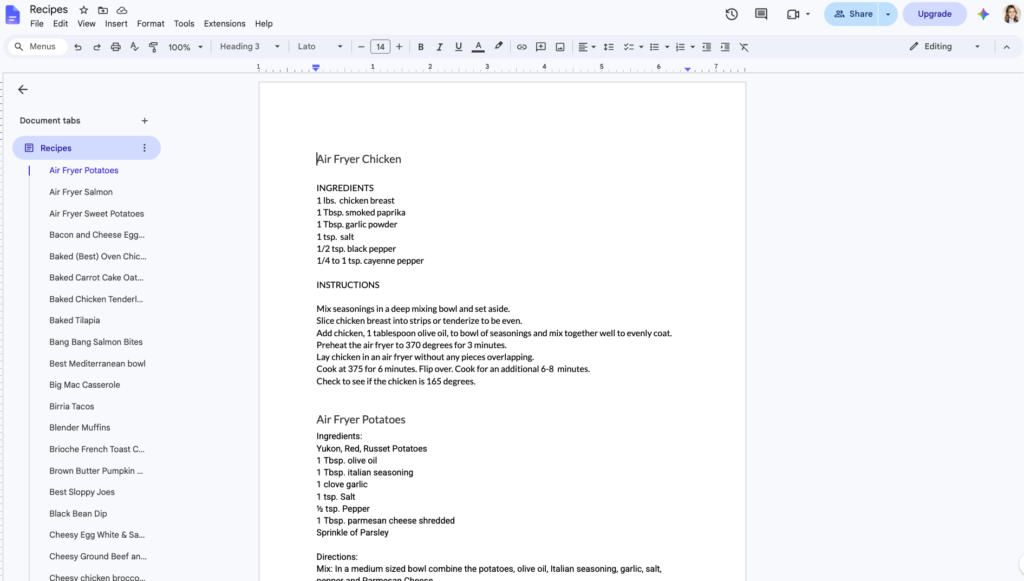
Without Google Drive I would be lost. It is THE easiest way to organize documents in your life and business.
By using a gmail email address, I know I can get to my docs anywhere. I can use the Google app on my phone or desktop version on my computer, and my files are always there.
I love being able to get to my docs anywhere- even if it’s not on my computer.
I also appreciate that all the docs are autosaved. Yay! No more accidentally deleted files.
How I use it
I use Google Calendar to schedule my day, appointments, and family things. My favorite feature is connecting multiple email addresses to a family sharing account, so everyone can be in the know about what is on the schedule.
One of the lesser known productivity apps I use is Google Keep. It is a note taking app. I keep reminders, lists, and random content ideas that pop into my head in this app. You can even ‘pin’ notes to the top of the page so you can easily find them. You can also search Keep, so you can find that one note you were looking for.
Of course I also use the typical tech tools from Google including Sheets, Docs, and Gmail for my business as well.
Tech Tool #2: Headspace
Best for:
The Headspace app is perfect for people who are beginners to meditation, have young children they want to teach mindfulness to, or want sleep assistance tools
Why I love Headspace
Your growth is determined by your mindset. You know that quote “Whether you think you can or can’t, you’re right.” Growing up I never really understood it. Once I dove into mindset work I finally understood what the quote meant.
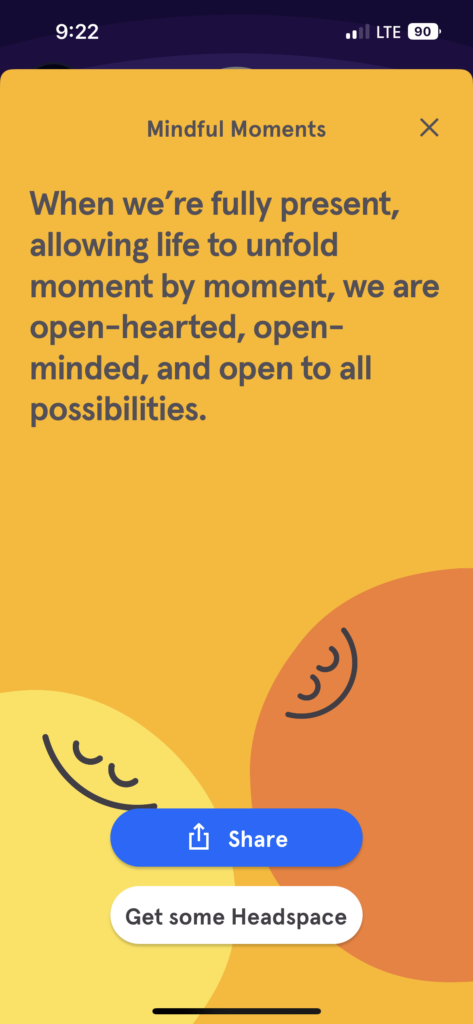
Your mindset is so important in life and business. A growth mindset is rooted in your belief that you can change. I came across the Headspace app over 2 years ago when my meditation journey began. I have been hooked to this tech tool ever since and use Headspace to meditate almost daily.
Headspace is more than just a meditation app. There are mindful activities, advice, podcasts, workouts, and sleep help. The app is always updating, for example, coaching was recently added for an additional fee.
There are options for beginners and experienced meditators with guided and unguided meditations.
How I use Headspace
I follow the app’s daily meditations most of the time, but I know I can always search the app if I’m seeking a meditation about something specific, like anxious feelings, early mornings, or daily intentions. I frequently use the walking meditations as well.
I often use the sleep section. There are sleep sounds like ocean waves or a fan noise that I like using, but if I’m having a hard time falling asleep or staying asleep there are sleep stories and SOS meditations for the middle of the night. The sleep section is really good!
If you’re a parent, you can also use the content to introduce meditation and gratitude to kids too. The app has great age-appropriate content for kids, parents, beginners, and advanced meditators.
Tech Tool #3: Notion
Best for:
Someone who needs task and project management and likes having complete creative freedom with how their projects and tasks are set up.
Why I love Notion
I came across Notion on a content creator’s website where she was using it to schedule her content calendar in her business. I thought it was genius!
Notion is the best tech tool in my book. It is simple, yet customizable. I like its ability to take notes, connect to other apps like Google Drive, and organize tasks or projects. I feel like it blends all the benefits of project management systems into one hub.
There are tons of free and paid templates for Notion. There are some creative templates users have come up with to organize, track, and systemize their life using tech.
How I use Notion
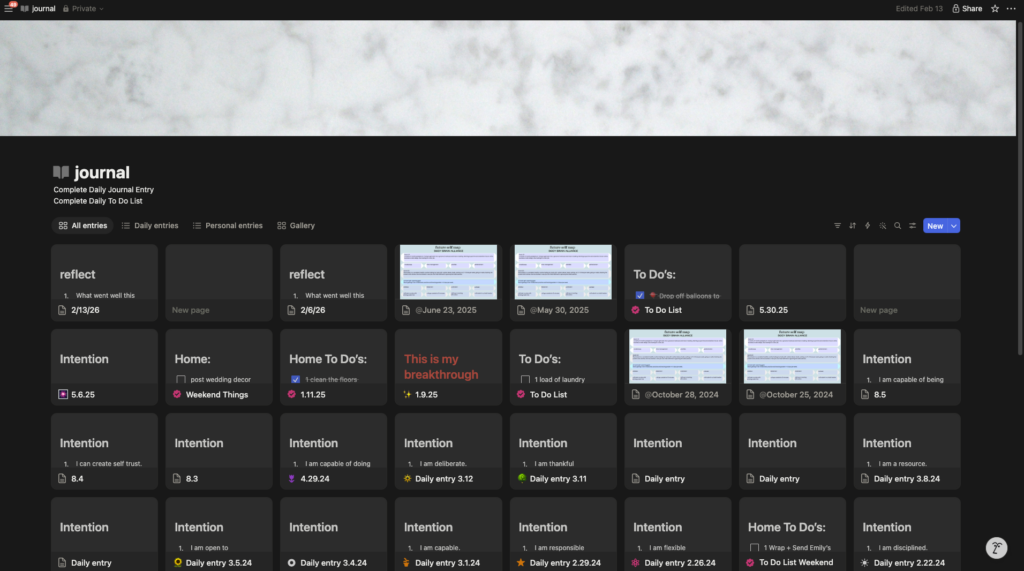
I have pages for my business, content calendar, personal habit tracking, goal setting, journal pages, and to-do lists. It’s quite customizable for whatever you need from a tech tool.
Want to connect a page to your Google Drive file? Done. Want to automatically create a new journal page every day? Done. Want to track your social media posting calendar? Done.
This is one of the newest tech tools I’ve added to my personal suite, but I think it’s a great option if you like customization and organization.
Tech Tool #4: Showit
Best for:
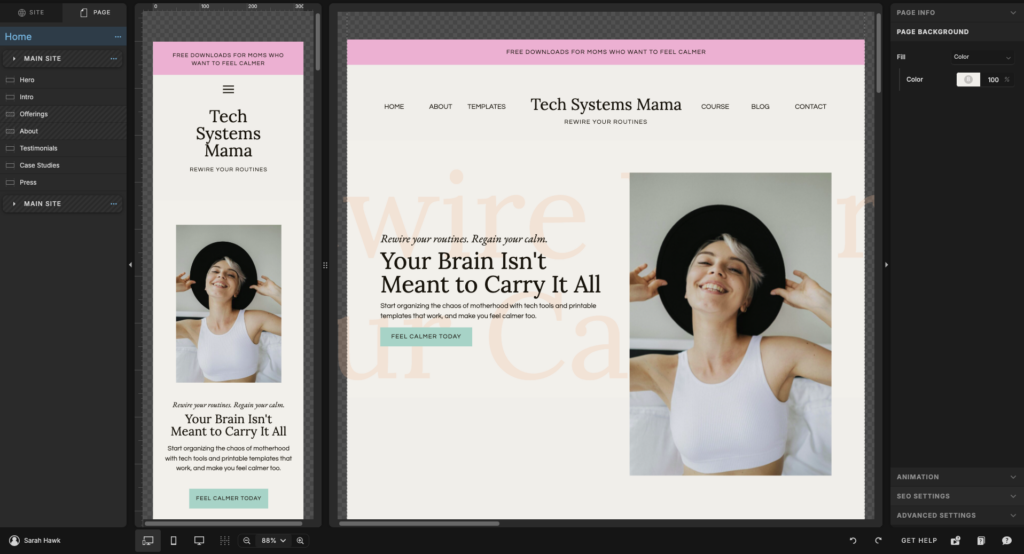
If you’re running a business, you need a website, and that’s a hill I will die on. Showit is my favorite platform. Why? Because it’s made for people who aren’t tech savvy, yet want beautifully designed websites, and I’m here for it.
If you want a website that is beautifully designed AND converts visitors to buyers. That’s where Showit comes in. You can see what the hype is all about with a free month trial here.
Why I love Showit
I taught myself how to code in middle school- something I absolutely loved. But the web space is constantly changing, and I stumbled across Showit after constantly DIY-ing my own website using WordPress for YEARS.
I finally tried a free trial and was like hey, this platform is awesome. I was able to stop coding, and finally able to create a website that I LOVED and WORKED.
How I use Showit
I noticed there was a need for health experts to have beautifully created and converting websites to book clients, sell products, or share news and updates about their practice. No more third-party booking systems.
After playing around with Showit for a while, I took the plunge into designing only Showit Websites. Templates coming soon too!
Tech Tool #5: Canva
Best for:
This is the most user-friendly graphic design tool that can be used for social media content creation, presentations, flyers (because please don’t use AI to create flyers), and personal graphic design projects: think kids birthday invites, holiday cards, and family schedules.
Why I love Canva
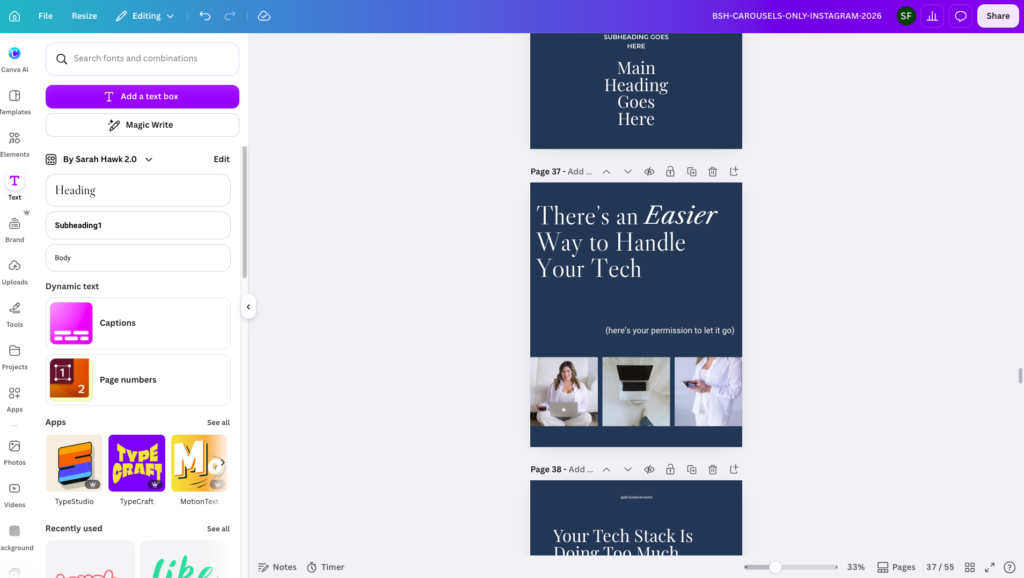
As a web designer, I use different creative tools for different purposes, but one tech tool that I consistently use for personal and business use is Canva. This tech tool is the most user-friendly design tool to create beautiful graphics and designs.
I like Canva because it is user-friendly and quite robust. There is a free version that offers a lot of options, but at less than $13 a month I think the paid version is totally worth it. The paid version offers more fonts and designs than the free version.
How I use Canva
If you are a business owner then Canva is a great budget-friendly design tech tool you can use to create branding and marketing materials. In need of a social media template? Canva has beautiful templates. In need of a flyer for your monthly promo in office? Canva can help you create one.
And Canva’s uses don’t stop there. As a mom I also use it for birthday party invites, schedules, and lists that I want to print off. Of course the aesthetics are important to me… I can’t help myself!
Conclusion
Tech tools have been game-changing in my life and business. I hope you give them a try as well. You never know, you may be one app away from changing your entire system for the better.
Technology is constantly changing and growing, and I firmly believe that by using tech tools and productivity apps to our advantage we can feel more organized, productive, and finally feel like we have “it together”. If you enjoyed this content, you’ll love my free newsletter where I share my favorite tech tools and tips I’m using in my life and business. Sign up to get the next newsletter sent to you here.
Let me know if you have a favorite tech tool in your routine, I’d love to hear about it! Send me a DM on Instagram and let me know.
Rooting for you,
Sarah
Resources:
- Follow along: @bysarahhawk
- Get my tech tips and what I’m apps I’m currently trying: bysarahhawk.com/wired-for-more
Links Mentioned:
- Try a free month of Showit here
Pin This Post For Later!


Sarah Hawk is a Web Designer and tech educator in Rochester, MN who helps wellness-based business owners ditch tech overwhelm. With a background in teaching and pharmaceutical sales, she blends strategy, design, and education to help service providers launch websites that look professional, feel aligned, and support real business growth, without the confusion. When she’s not behind the computer, she loves aesthetic coffee shops, systems, strength training, and testing new recipes for her family.
Explore web design services and resources at bysarahhawk.com


If you feel like there's a new tech trend faster than the weather changes in the midwest, raise your hand. Here's what I believe: that design and tech should work for you, not the other way around.
I previously worked in sensitive skincare pharmaceutical sales, where I saw a recurring gap: elevated, high-end experiences in real life paired with outdated or disconnected websites. My background blends education, sales, and technology.
Today, I specialize in Showit website design and website care plans, managing the setup, optimization, and ongoing maintenance behind the scenes.
If your website no longer matches the level of service you provide, let’s fix that. Book a free discovery call today.
